How to Add Department?
➕ Add Department
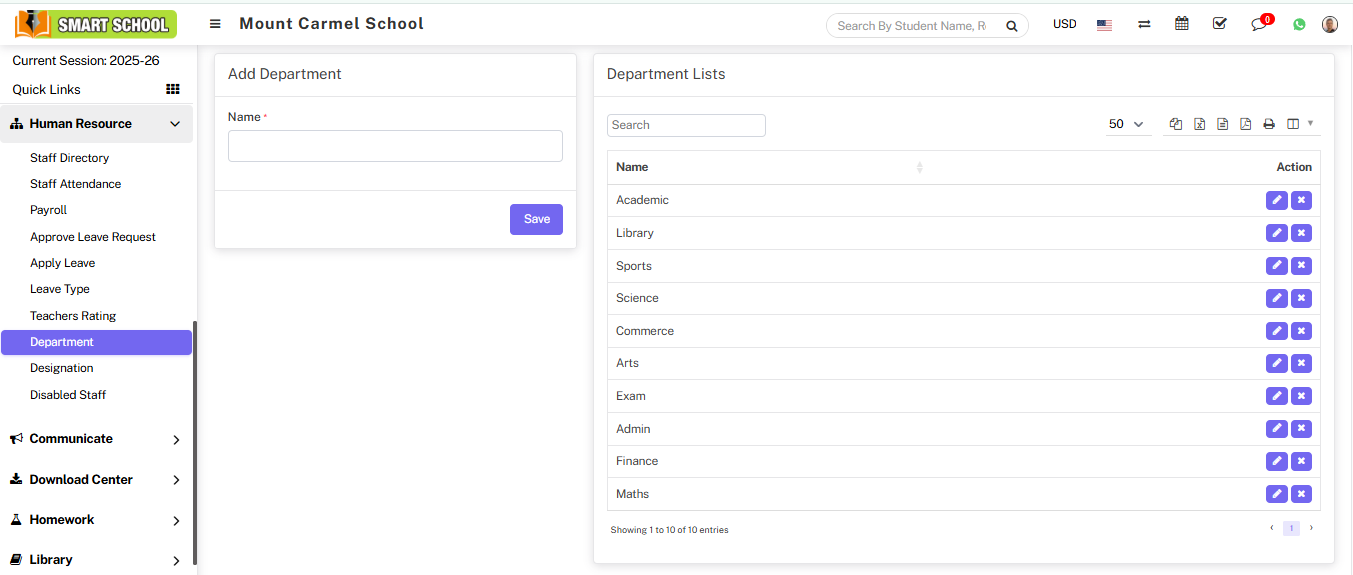
Go to Human Resource > Department and enter department Name.
Click on the Save button to store the department.
After saving, the department will appear in the Department List.
✏ Manage Department
You can manage departments using the following options:
- Edit: Update department details
- Delete: Remove department from list