How to add Student Admission Enquiry?
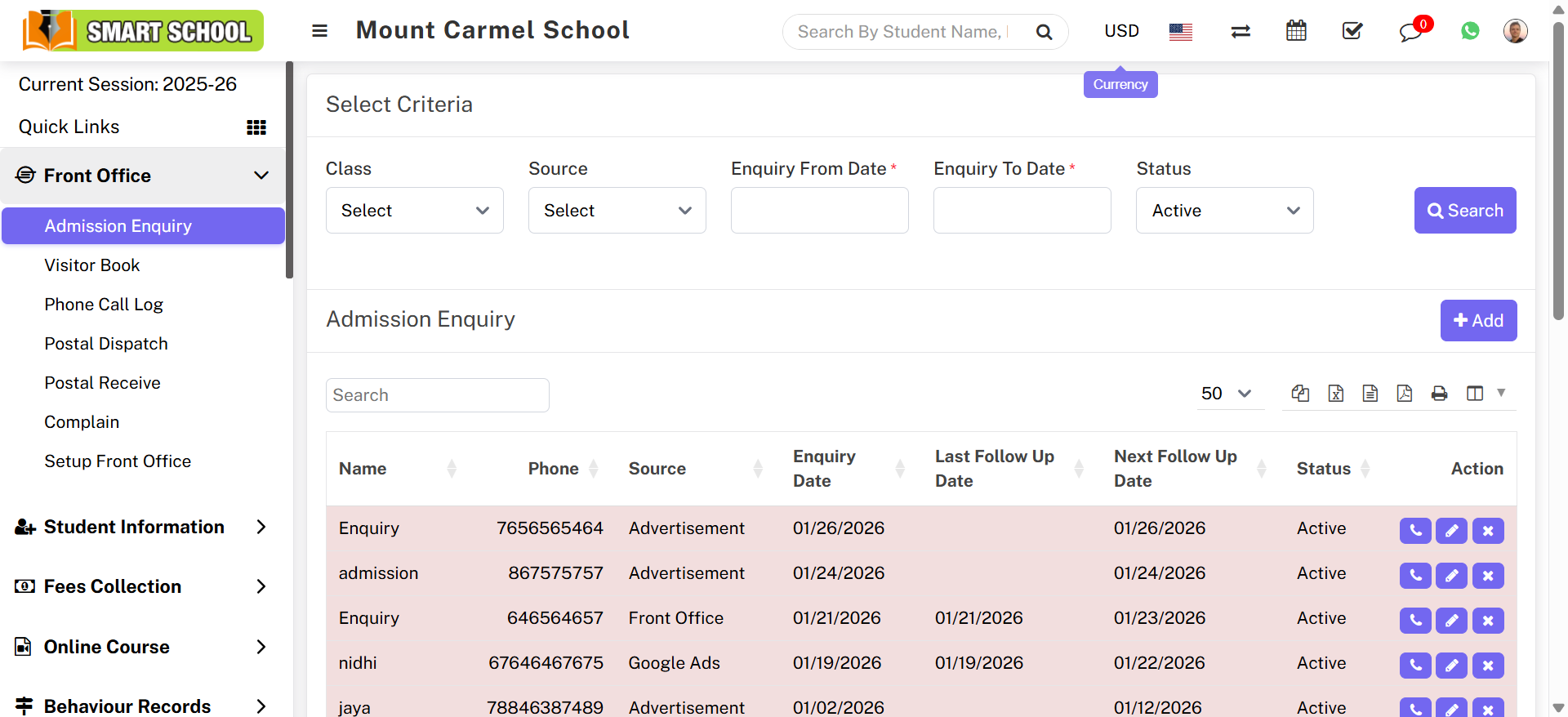
To search the admission enquiry, go to Front Office > Admission Enquiry. Select the class for which you want information, simply click on Class and select, as well as the relevant details of source, inquiry from date, inquiry to date, and status, then click on the search button.
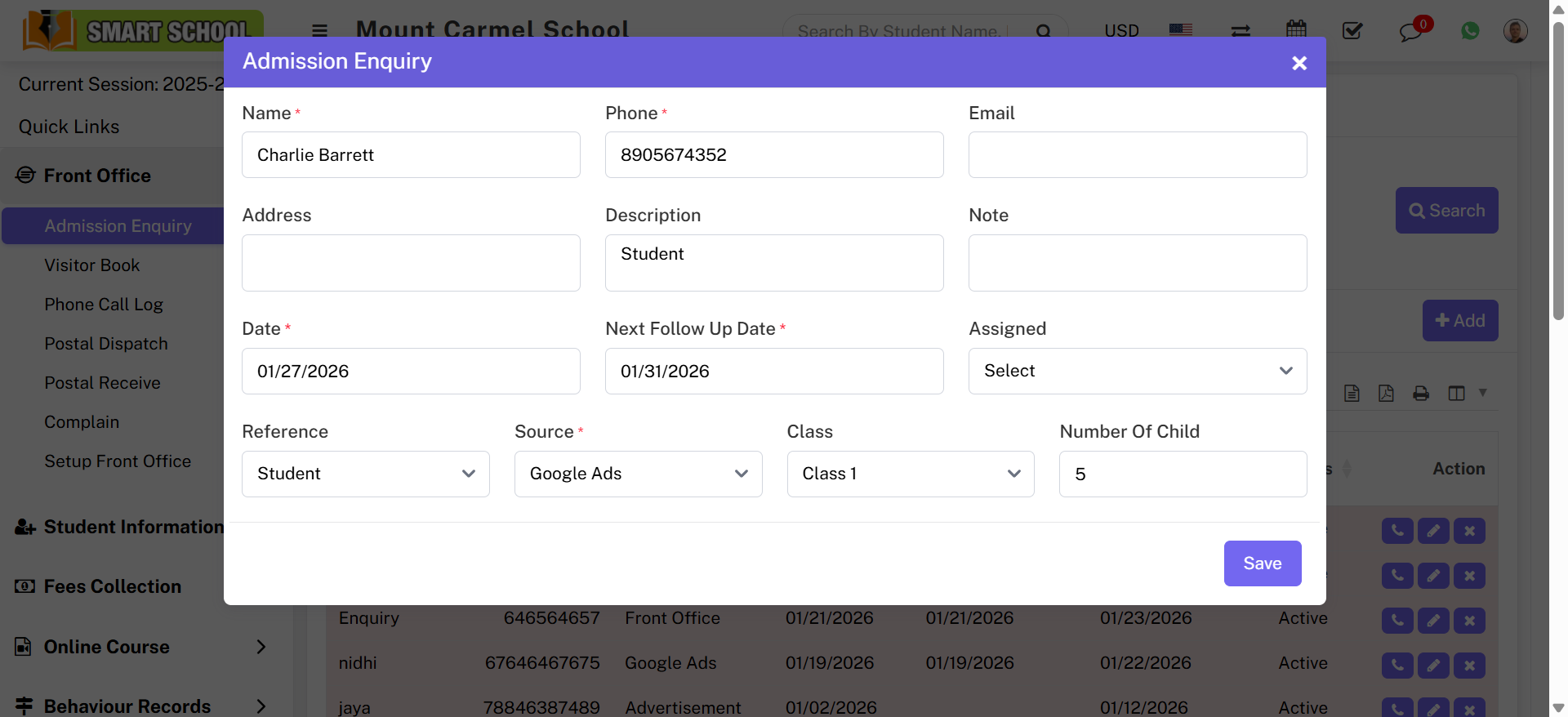
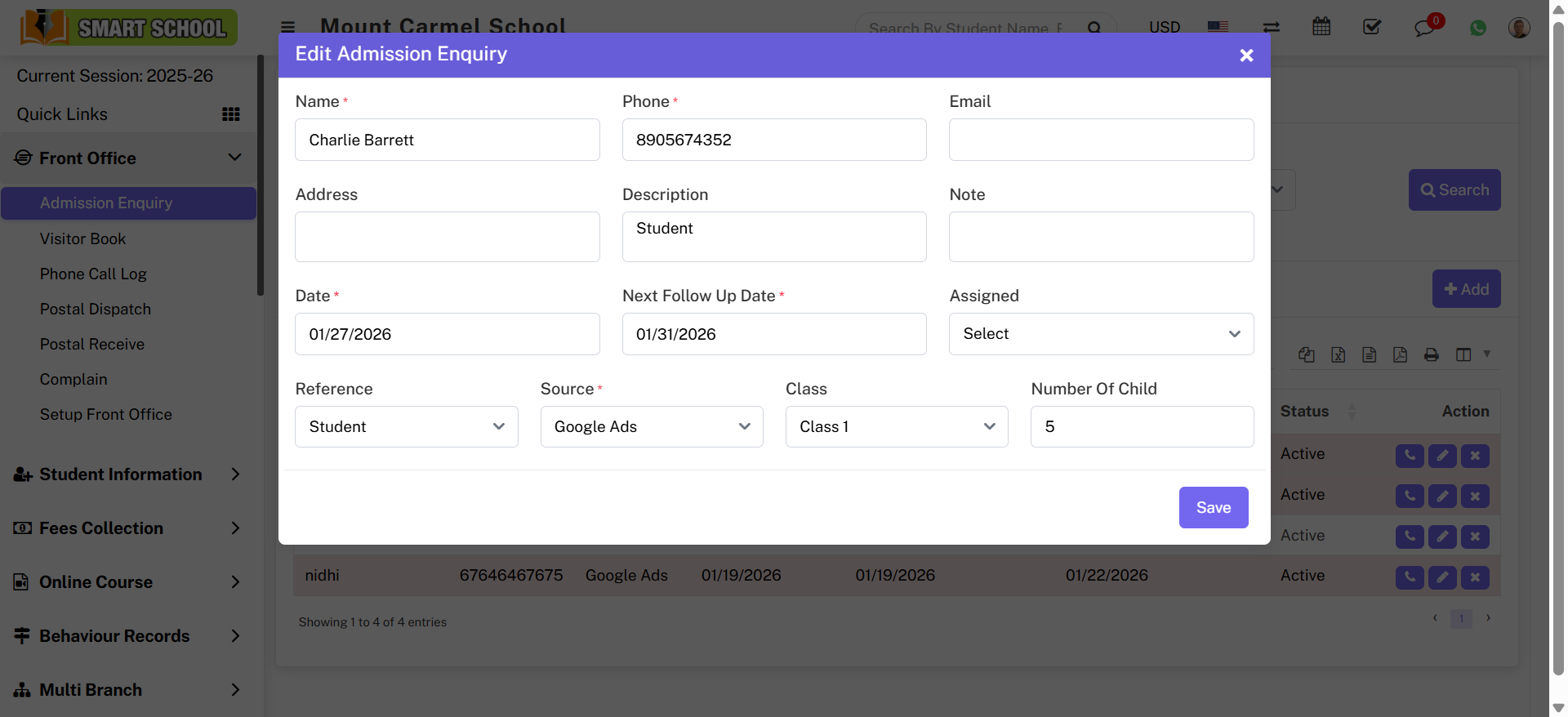
To add student admission enquiry, go to Front Office > Admission Enquiry click on Add icon. Enter Name, Phone, Email, Address, Description, Note, Date, Next Follow Up Date, Assigned, Reference, Class and Number of Child then click Save.
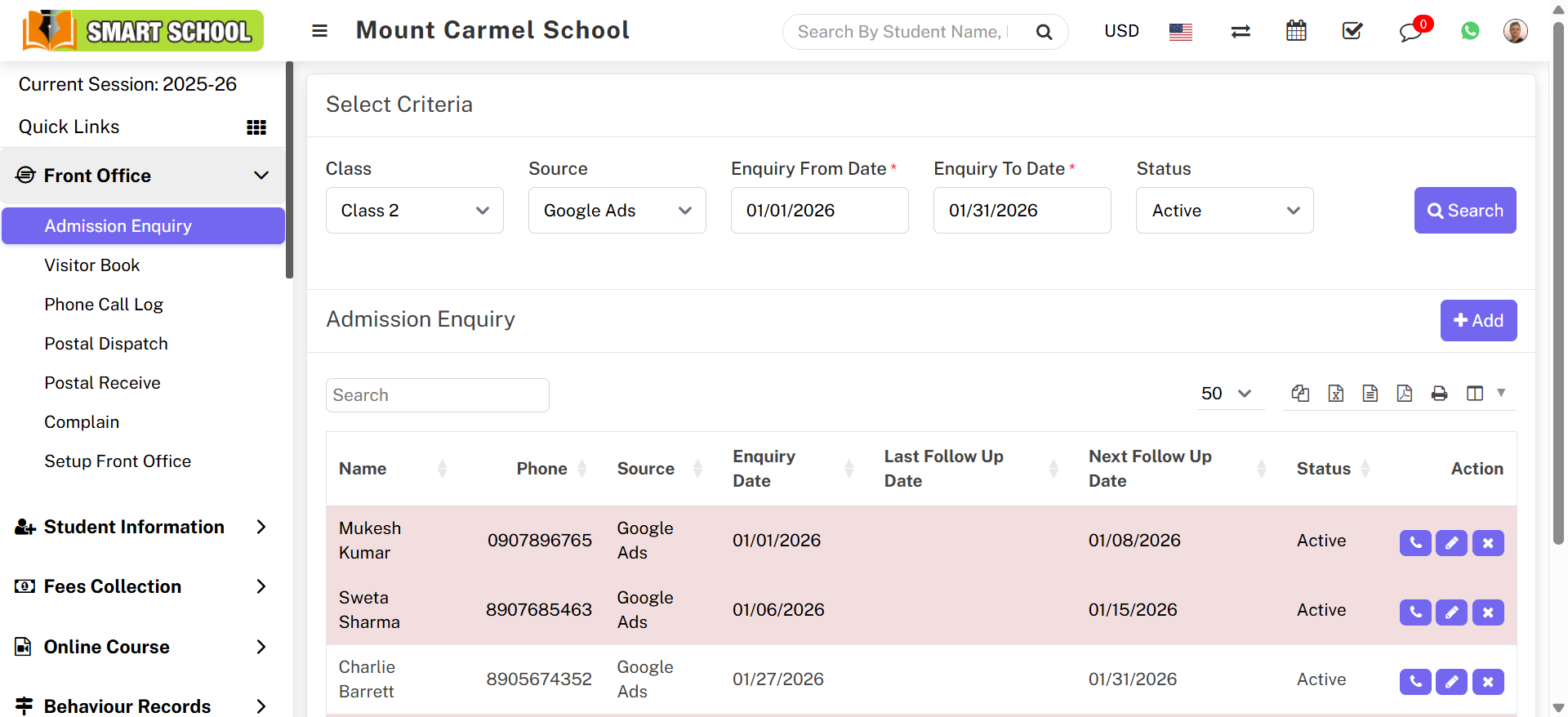
To view enquiry, select Class, Source, Date range and Status then click Search.
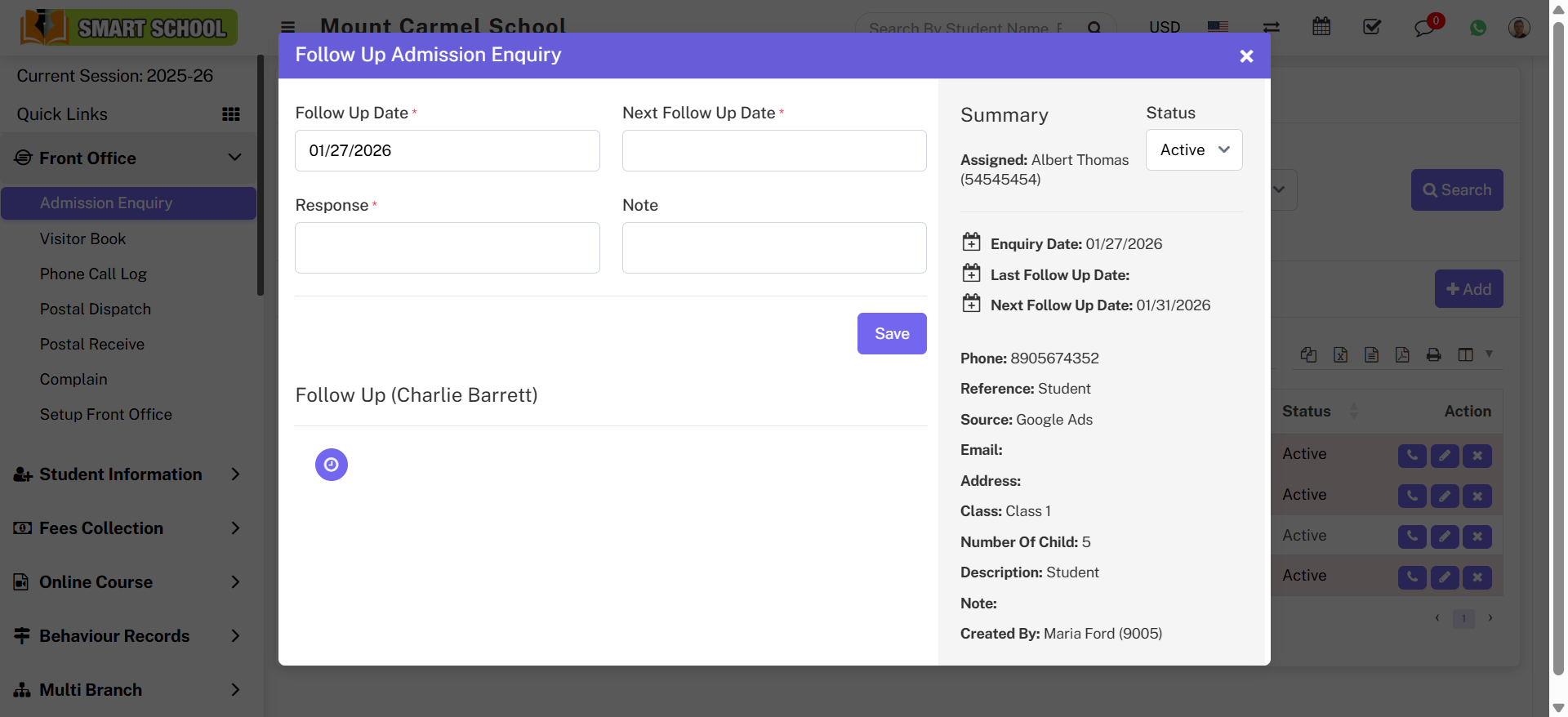
To follow existing enquiry click Follow Up icon. Update follow-up details and save.
To edit enquiry click Edit icon, update details and save changes.
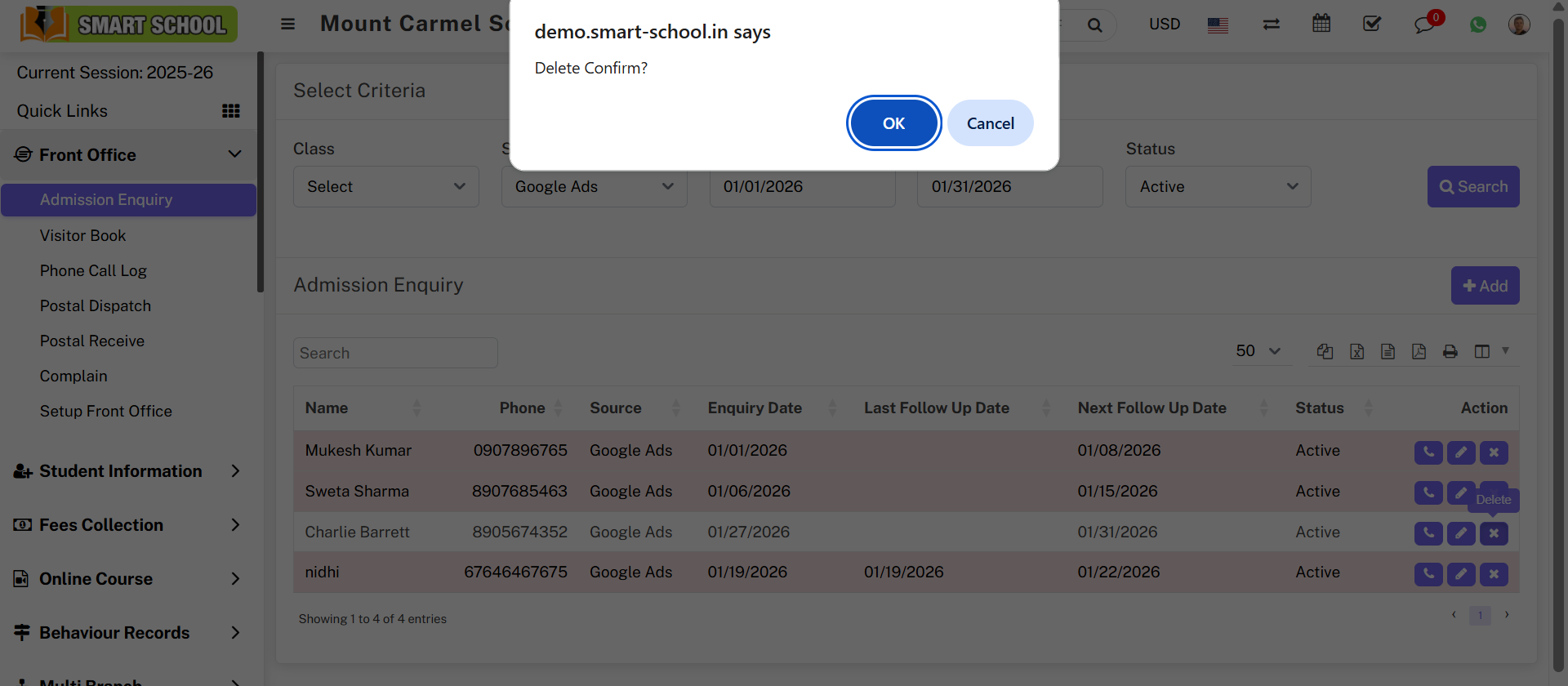
To delete enquiry click Delete icon and confirm action.