How to Setup Front Office?
To setup front office, go to Front Office > Setup Front Office. Here you can configure system master data used across the Front Office module.
You can add Purpose, Complain Type, Source, and Reference. These values will be used in different sections of the system.
Enter Purpose and Description, then click Save. The record will appear in the Purpose List on the right side.
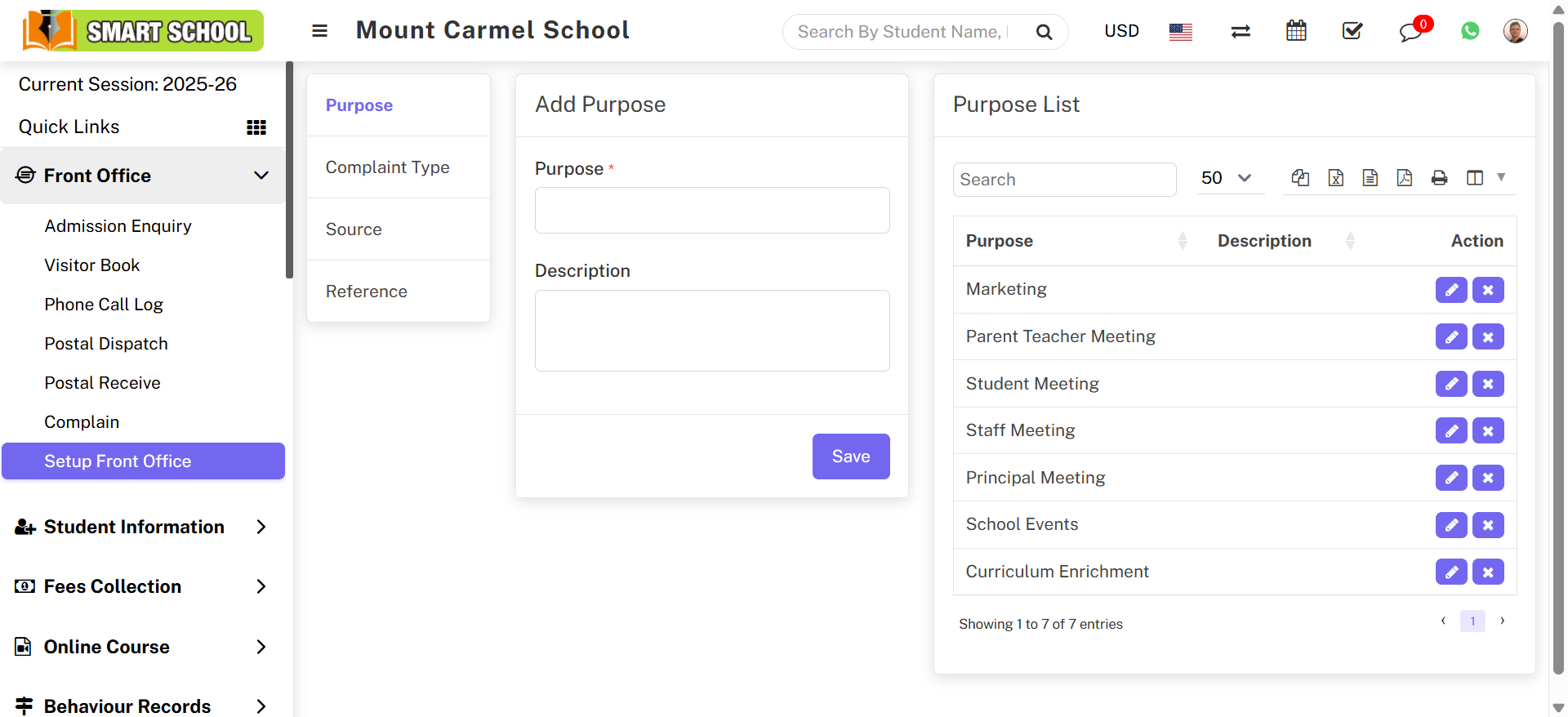
You can follow the same process to manage: Complain Type, Source, and Reference.
To update or remove any record, use the Edit or Delete icons in the list.