How to Link Two Exams?
🔗 Link Exams
To combine results of multiple exams into a final consolidated result, use the Link Exam feature.
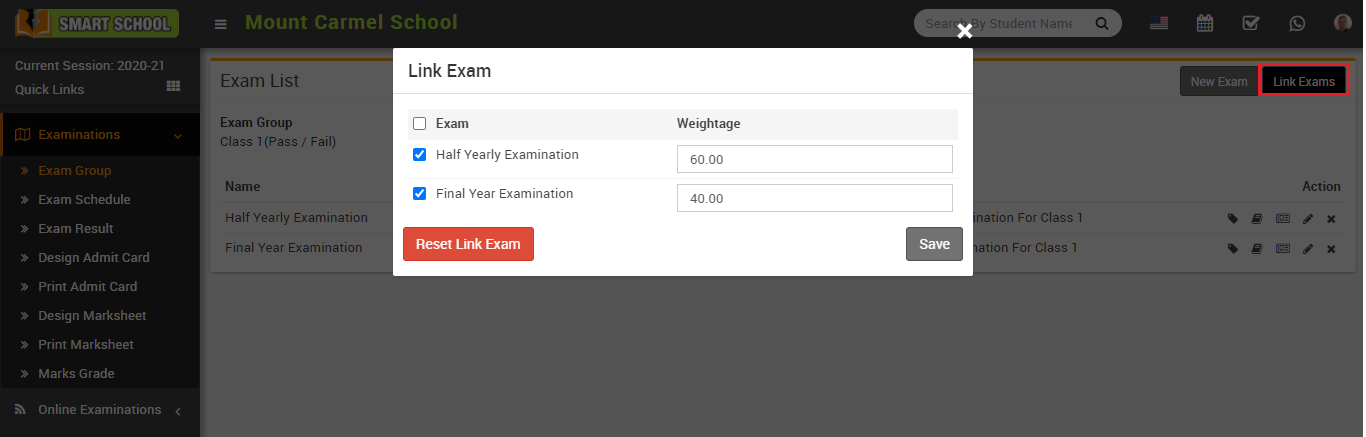
Go to the Exam List page and click on the Link Exam button available on the right side.
A modal will open where you need to:
- Select the exams you want to link
- Enter the percentage weight for each exam
This will allow the system to calculate a final combined result based on selected exams.
If you want to remove the linking, click on Reset Link Exam. Otherwise, click Save to apply changes.