How to Carry Forward Fees?
➕ Carry Forward Fees
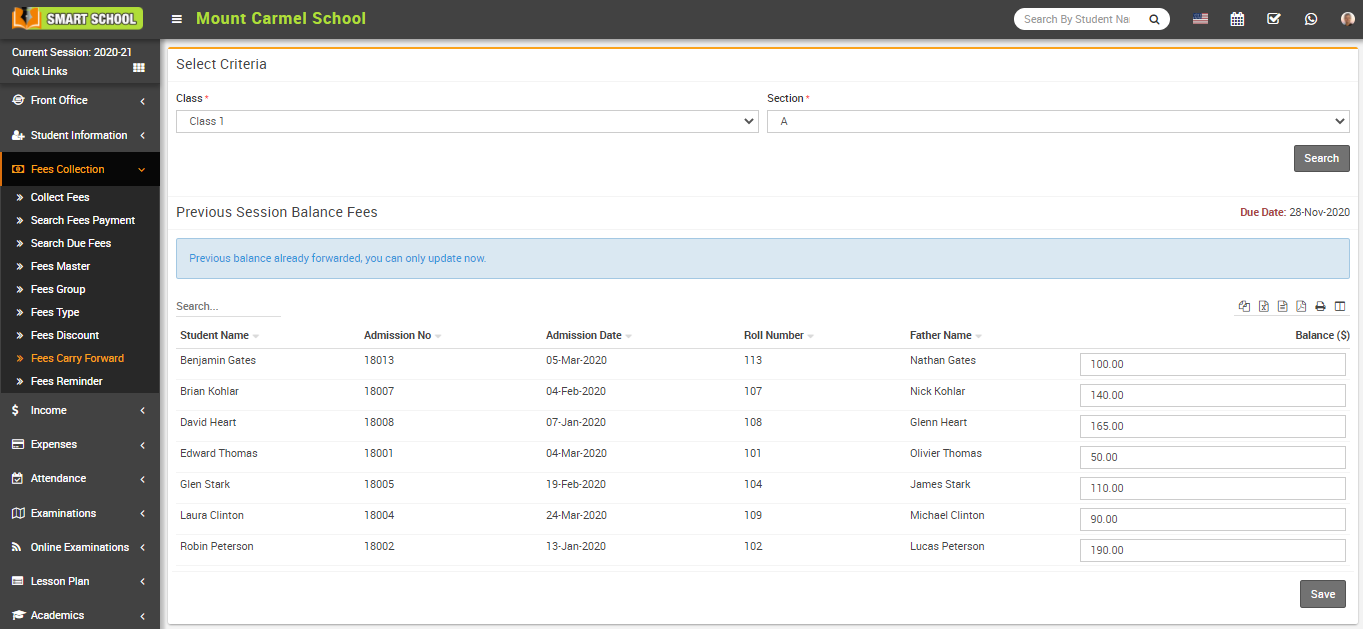
Go to Fees Collection > Fees Carry Forward.
If a student has a remaining balance from a previous session, it can be carried forward to the next session.
Select Class and Section, then click Search.
The list of students with previous session balances will appear below. You can also see the Due Date on the right side.
⚙️ Configure Due Date Settings
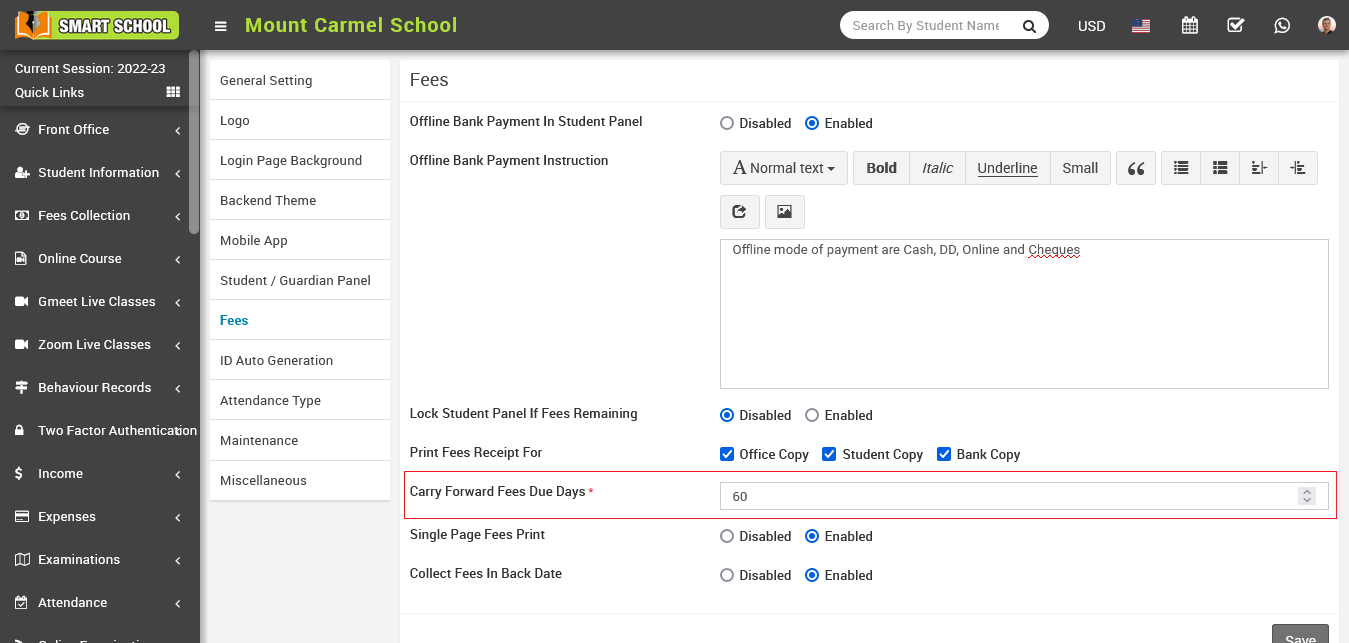
To configure carry forward due dates, go to: System Settings > General Setting > Fees Section.
Set Carry Forward Fees Due Days and click Save. The system will automatically calculate due dates based on the number of days entered.