How to Add Section?
➕ Create Section
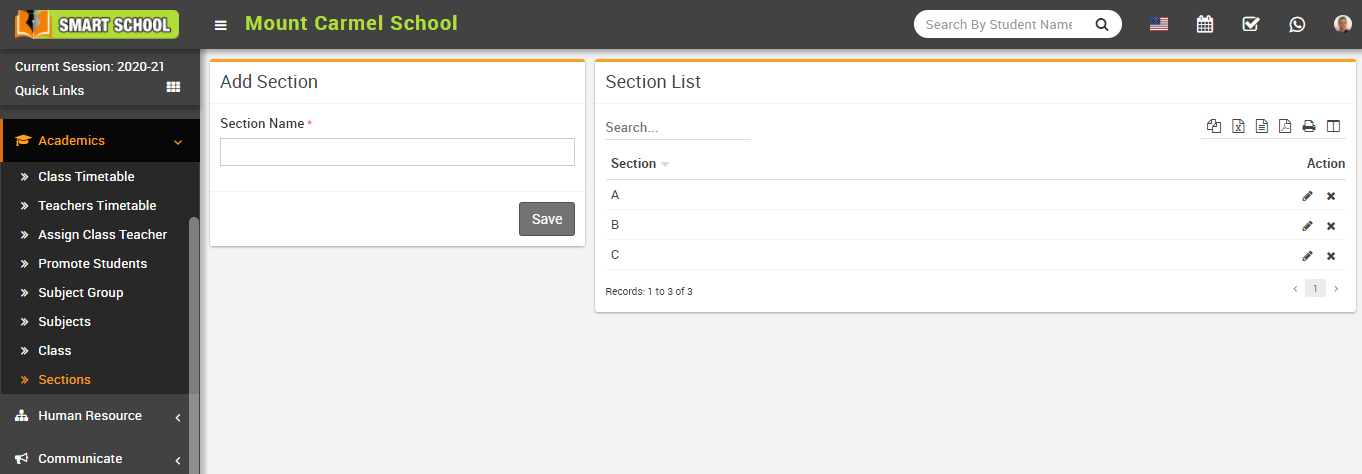
Go to Academics > Sections.
Enter the Section Name and click Save.
✏️ Manage Section
You can edit or delete a section using the Edit and Delete icons in the list.
Go to Academics > Sections.
Enter the Section Name and click Save.
You can edit or delete a section using the Edit and Delete icons in the list.