How to Print Marksheet?
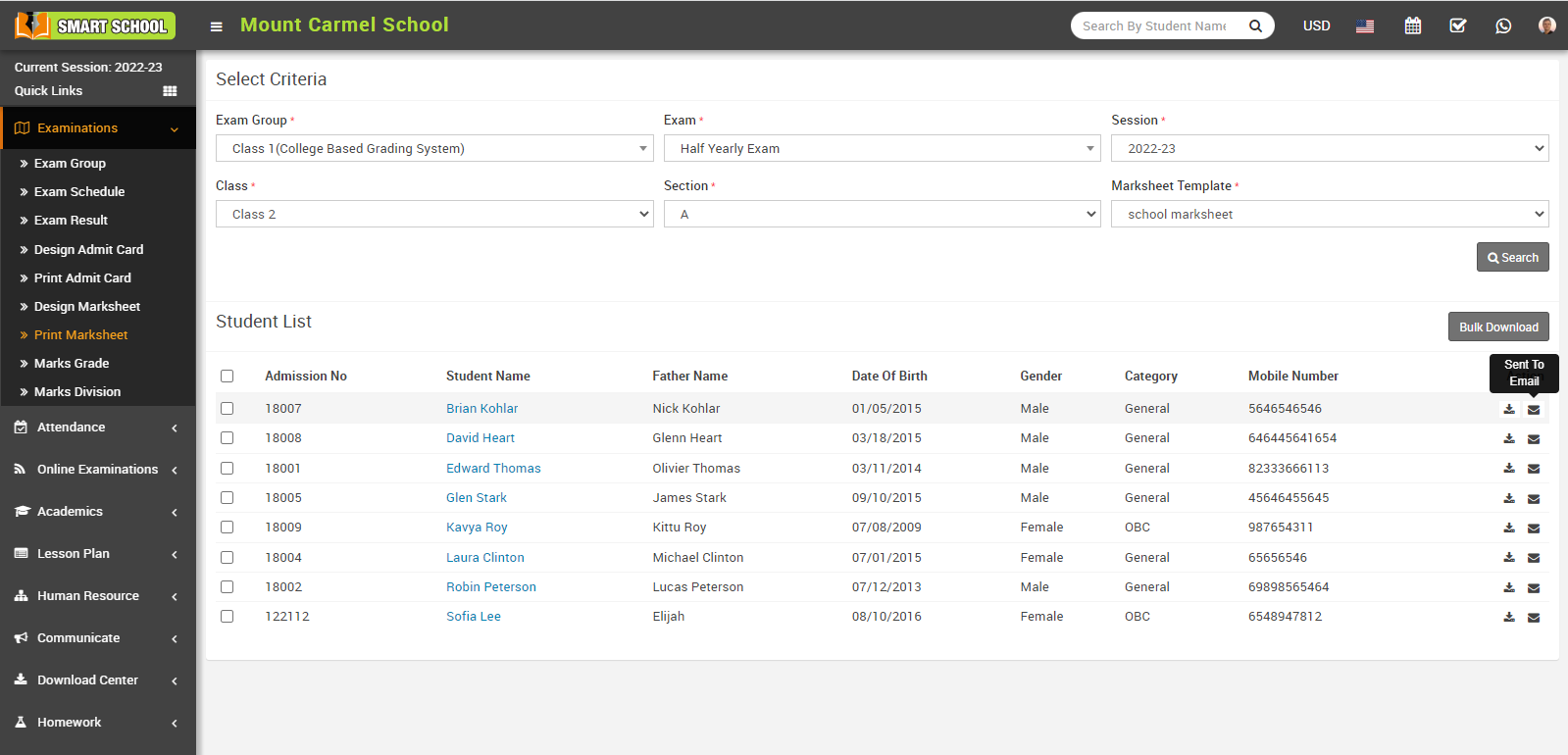
To print the marksheet, go to Examinations > Print Marksheet.
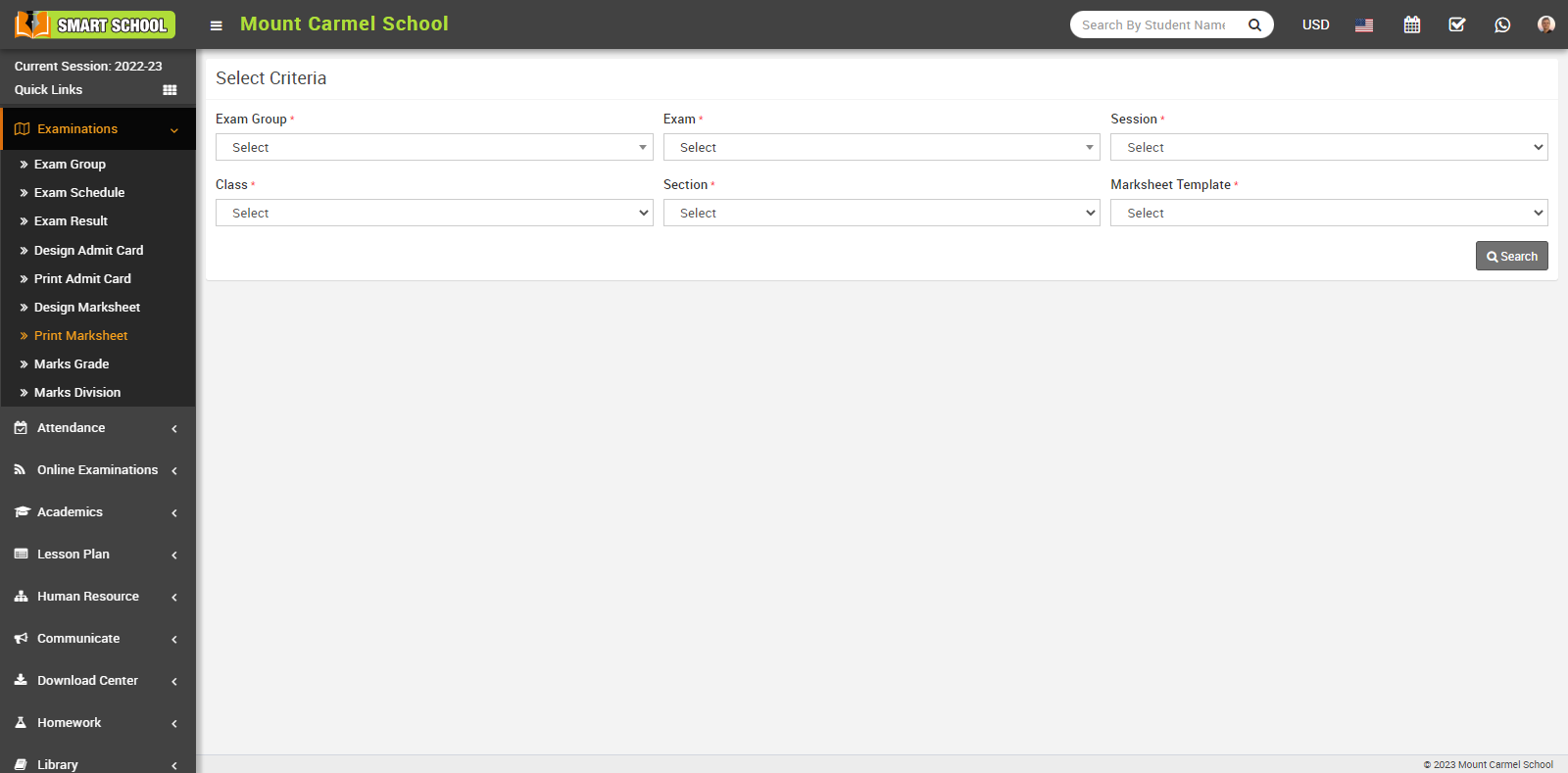
Select Exam Group, Exam, Session, Class, Section and Marksheet Template. Click on the Search button to load the student list.
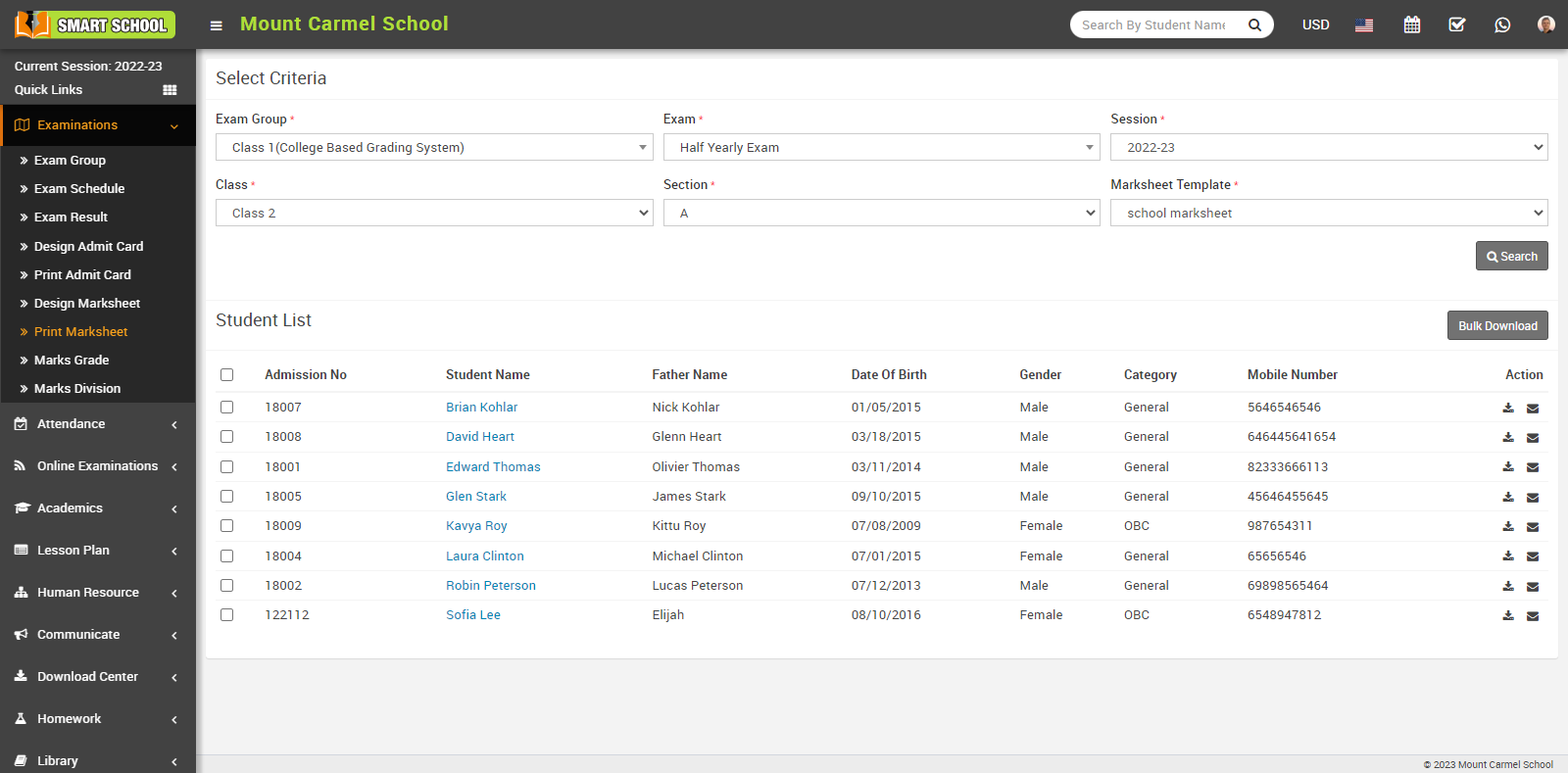
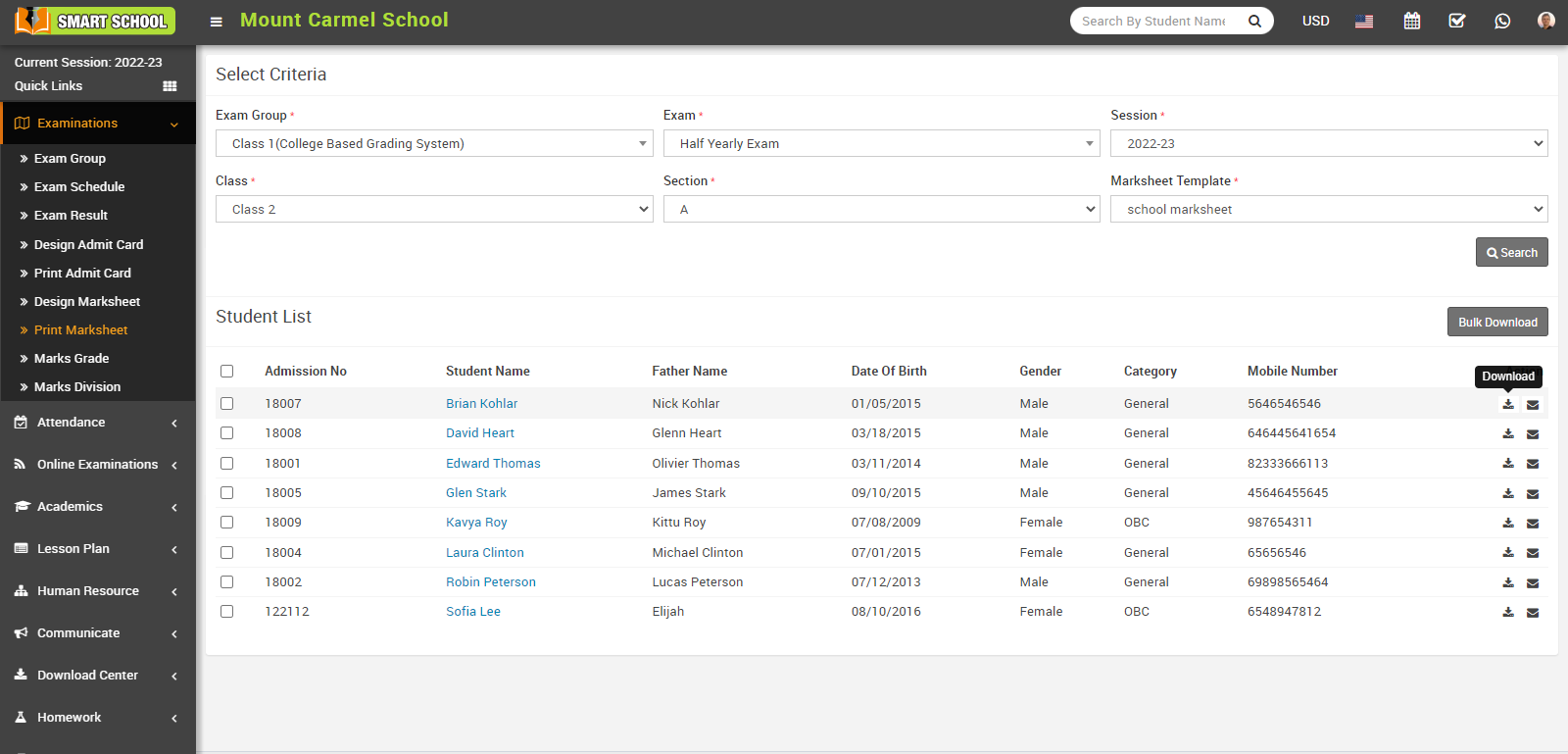
To download a single marksheet, go to the Action column and click the Download icon.
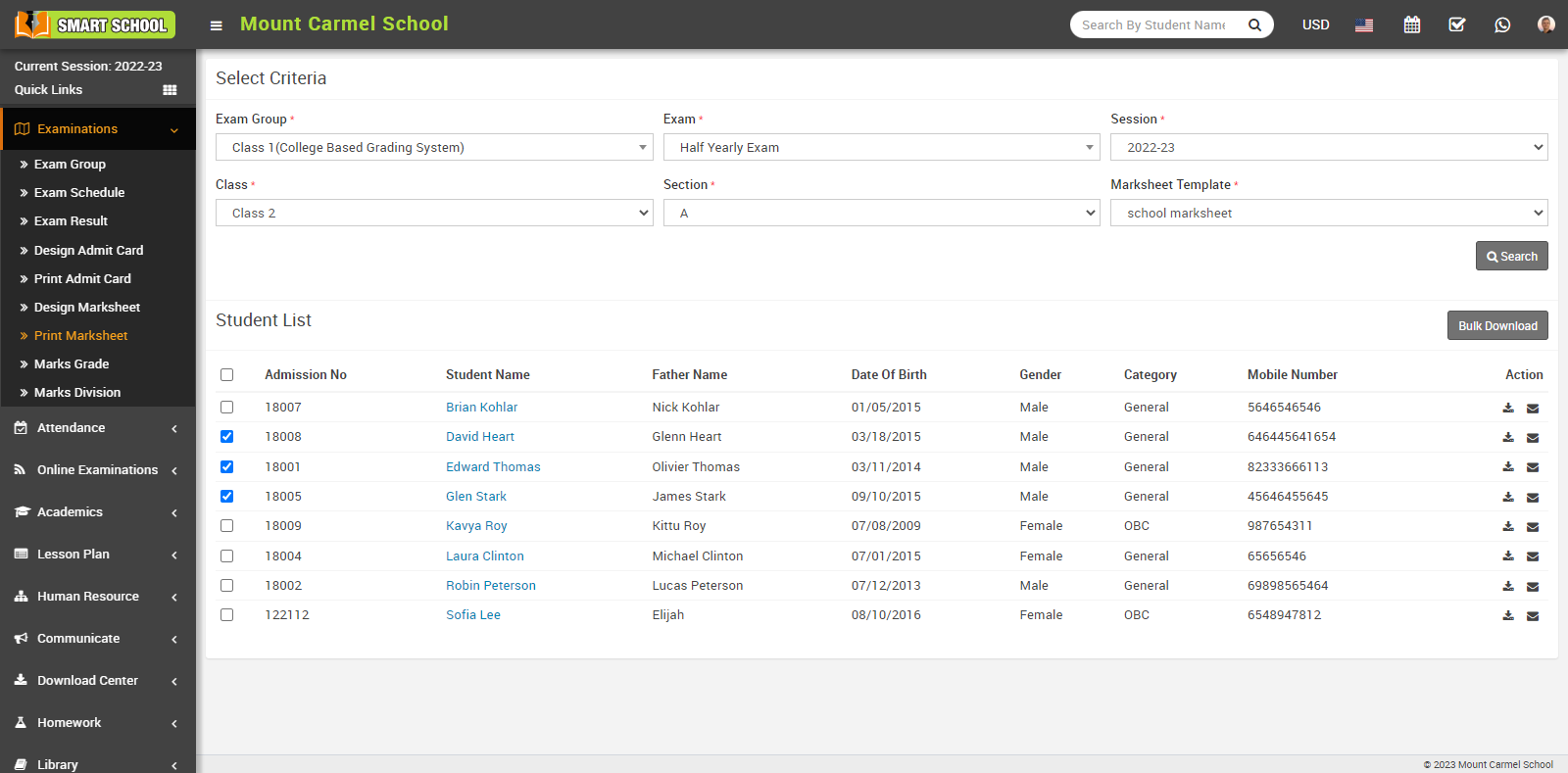
For bulk download, select multiple students using checkboxes and click Bulk Download.
To send marksheet via email, click the Email icon in the Action column.
The marksheet will be sent to the registered email address of the student.